Facebook pixel AI at STLCC

AI at STLCC

Informed AI Use Starts Here.

Artificial intelligence is changing how we learn, work and solve problems. At St. Louis Community College, we focus on helping students and educators use AI thoughtfully and responsibly.

This web page brings together practical guidance, tips and resources about how AI fits into learning and teaching. Whether you are a student exploring how AI can support your coursework or an educator looking for ways to engage students, you will find ideas and tools to help you get started.


AI for Students

Discover resources on how to use AI in ways that support your learning.

  • Follow your instructor’s expectations for AI use.
  • Use AI responsibly for research and writing support.
  • Build your critical thinking skills, not replace them.
  • Check AI results for accuracy and bias.

Foundational AI Learning

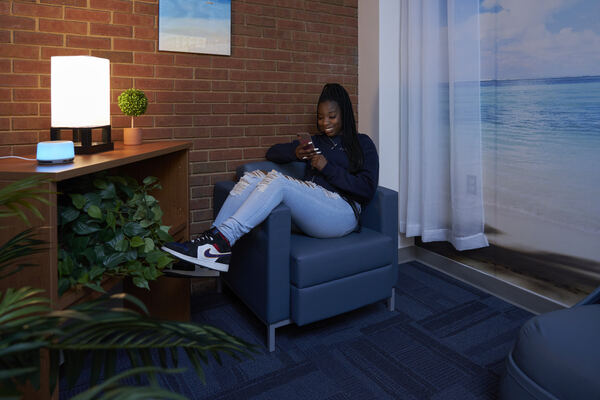
students working on laptop

STLCC's AI Platform

BoodleBox is available for all STLCC students who want to use a premium library of AI tools.

BoodleBox for Students

What Students Need to Know

St. Louis Community College is updating its guidelines for the use of artificial intelligence (AI) platforms. Effective Jan. 1, 2027, students and employees will be able to access and use AI platforms only through BoodleBox and Microsoft Copilot.

What Does This Mean for Students?

Beginning Jan. 1, students should use BoodleBox or Microsoft Copilot for College-related generative AI activities. Direct access to other generative AI platforms will be restricted on College-managed technology.

You'll still have access to many of the AI tools you know. BoodleBox provides access to multiple AI platforms within a single, approved environment. This means you can continue using tools such as ChatGPT, Claude, and many other platforms — they just have to be used through the BoodleBox platform, not directly through their individual websites or standalone applications. 

Microsoft Copilot will also remain an approved AI platform and can be accessed independently.

What Should I Do Before Jan. 1?

If you currently use an AI platform outside of BoodleBox or Microsoft Copilot for College-related work, please begin identifying any prompts, projects, custom assistants, uploaded documents or other resources you may need to transition before Jan. 1.

AI for Educators

Explore ways to use AI thoughtfully in your classroom.

  • Strategies for engaging students when AI tools are available.
  • Assignment ideas that support learning in an AI-enabled classroom.
  • Approaches for guiding responsible student use of AI.
  • Conversations about ethics and academic integrity.

Get Started with Educator Resources

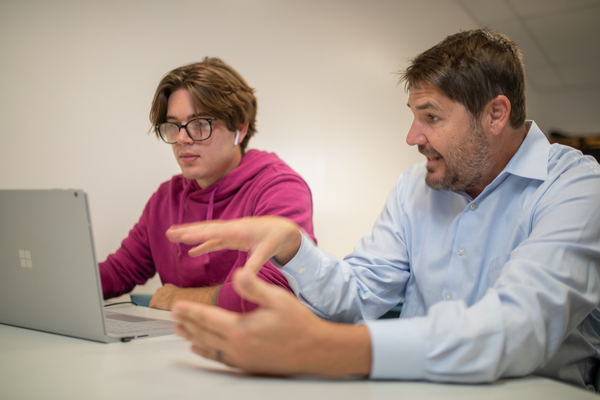
faculty member teaching

At STLCC, the focus is on helping students understand how to use AI responsibly while still building strong critical thinking and learning skills.  Download STLCC's AI Strategic Plan to review our structured, college-wide approach to adopting artificial intelligence responsibly — focusing on ethical use, data privacy, workforce readiness and clear governance to support both student success and institutional innovation.

The College provides resources and training for STLCC faculty and staff on an internal AI SharePoint site with standards, tools and training resources. These materials help the College use AI thoughtfully and securely. SharePoint is only available to STLCC faculty and staff.

AI Events and Ongoing Learning

STLCC hosts AI-focused workshops, discussions and professional development opportunities for students, faculty and staff.

View AI Events   AI Industry News

Back to top